AI presentation maker for Google Slides
Generate complete presentations, pitch decks, and reports instantly with the Glindra AI presentation generator. Works directly inside Google Slides.

Compatible with

Google Slides
Compatible with
Google Slides
Used by 4,758+ marketers, students, and teams to build better slides, faster.










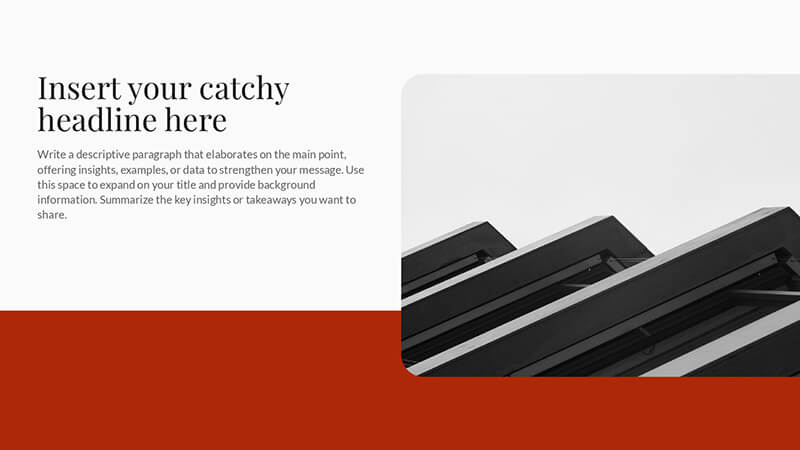
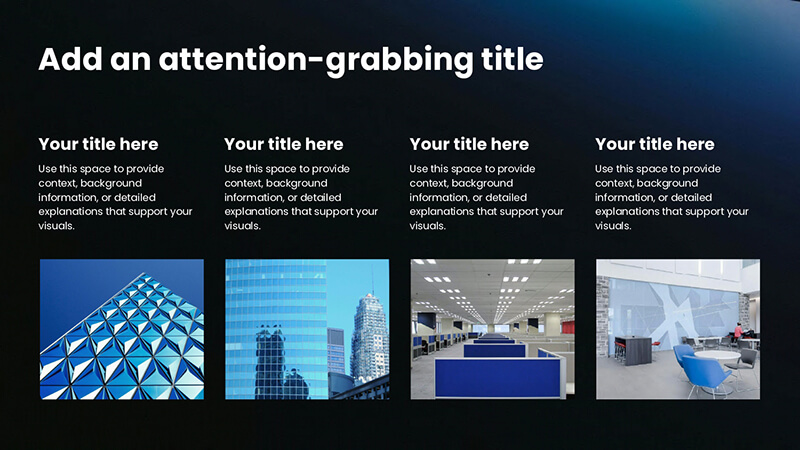
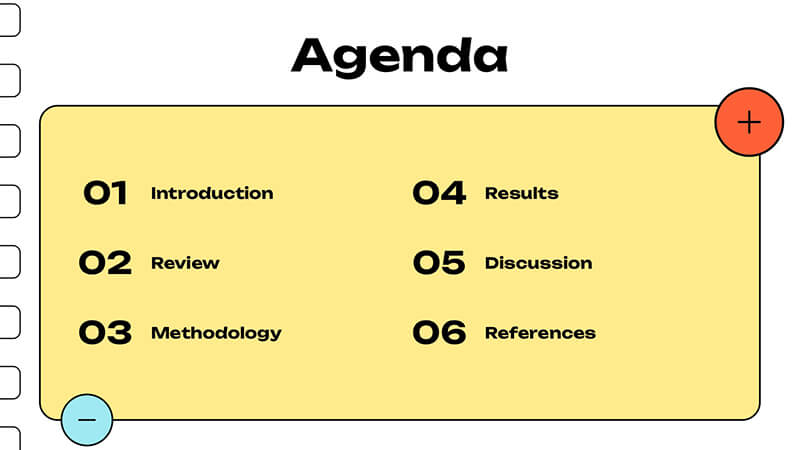
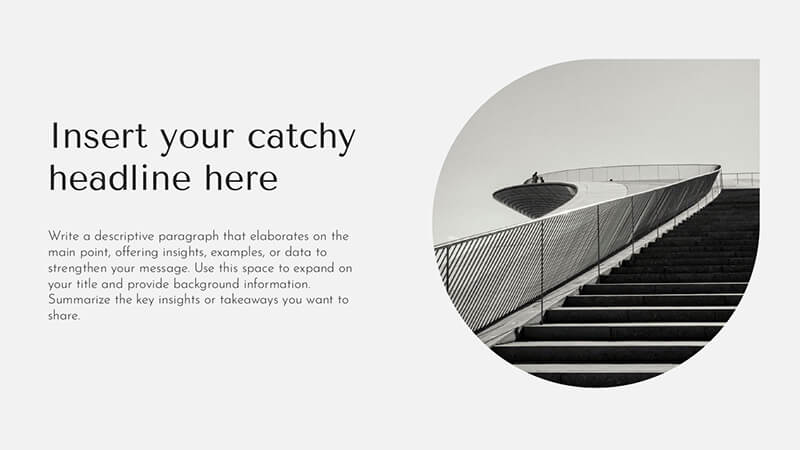
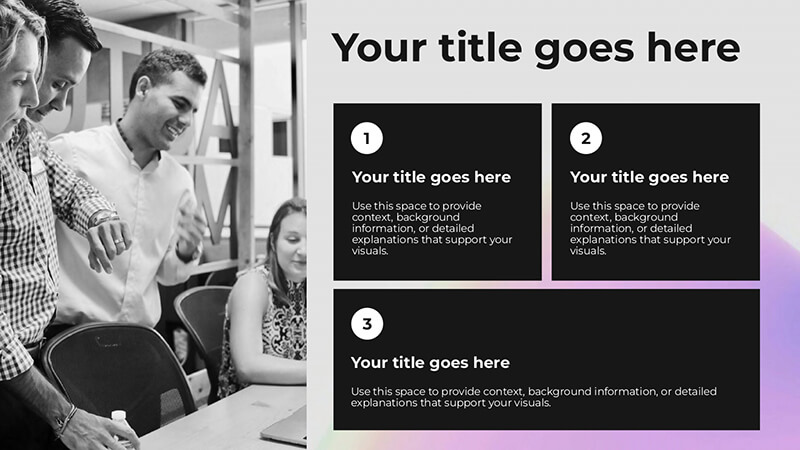
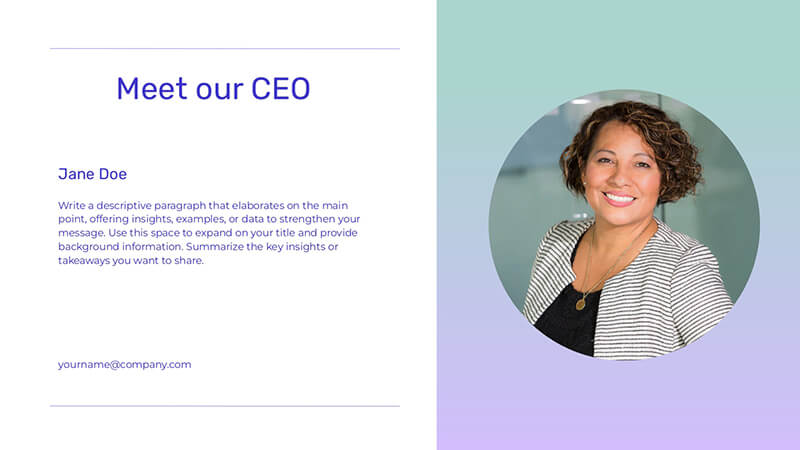
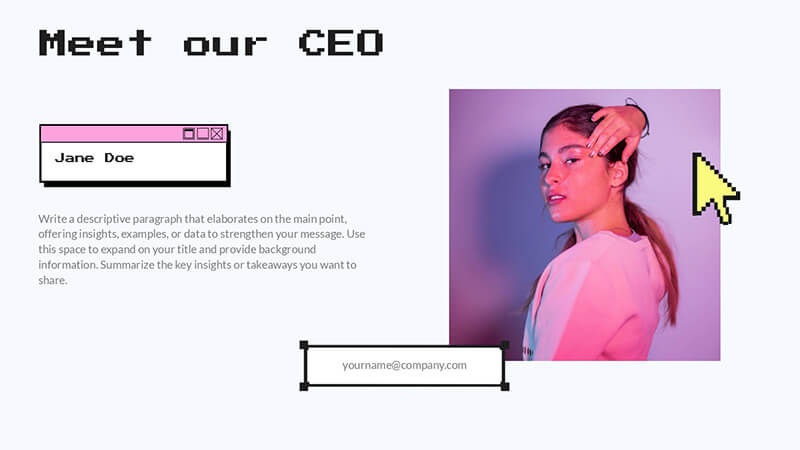

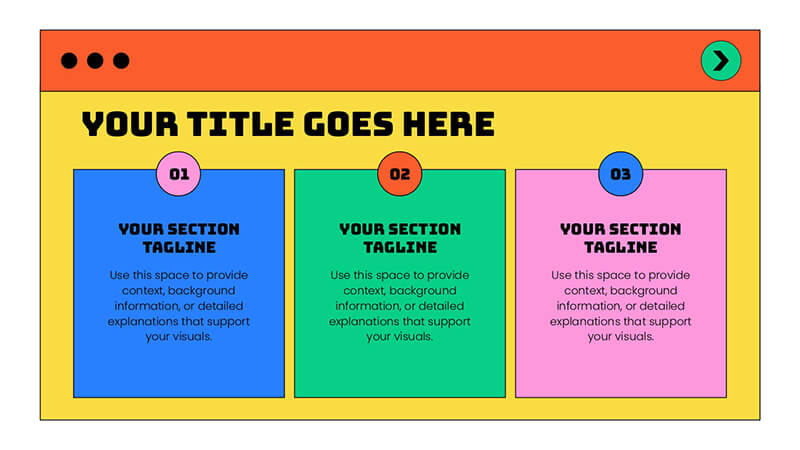

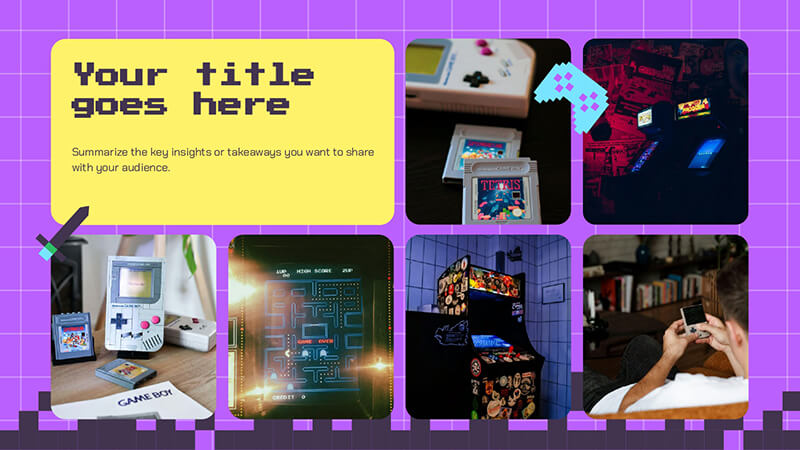


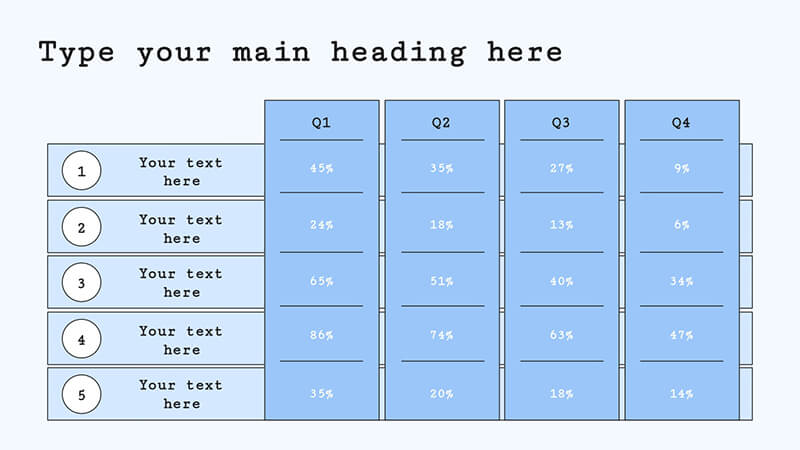
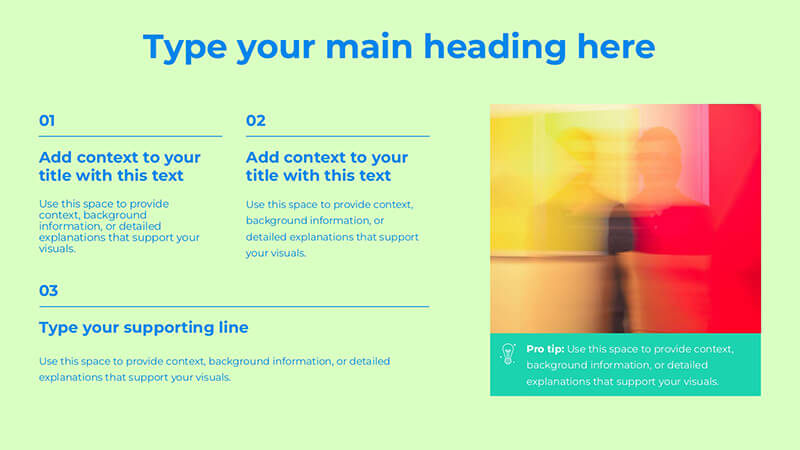

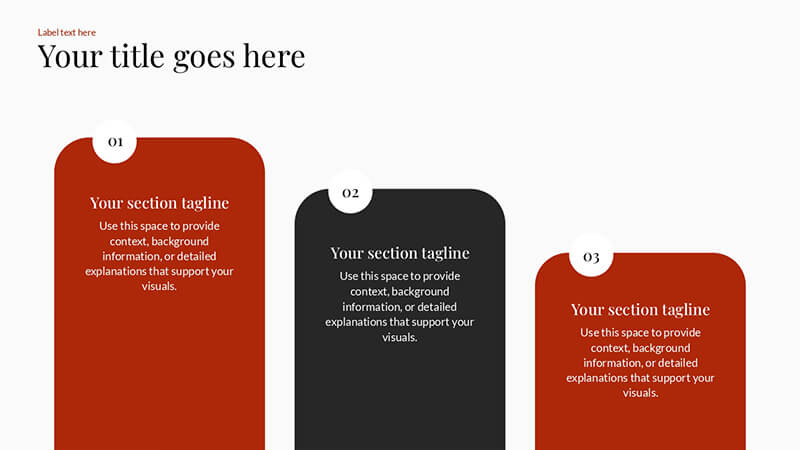
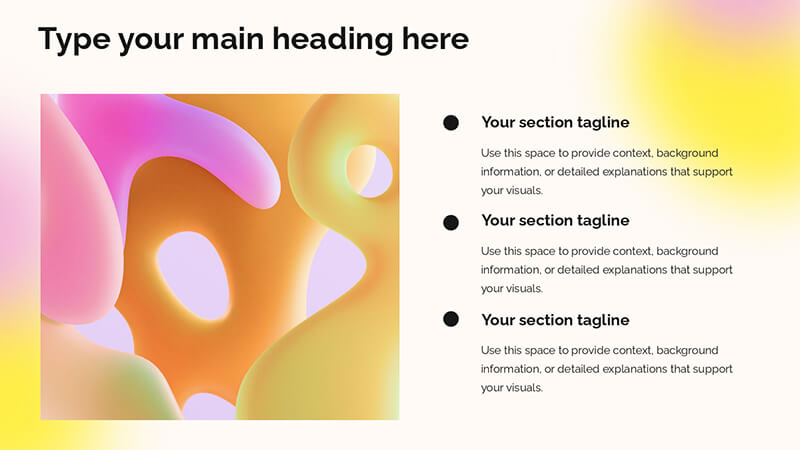


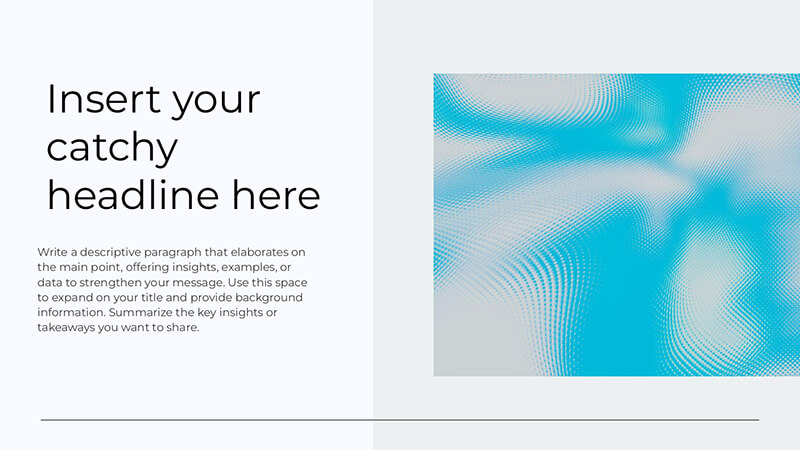
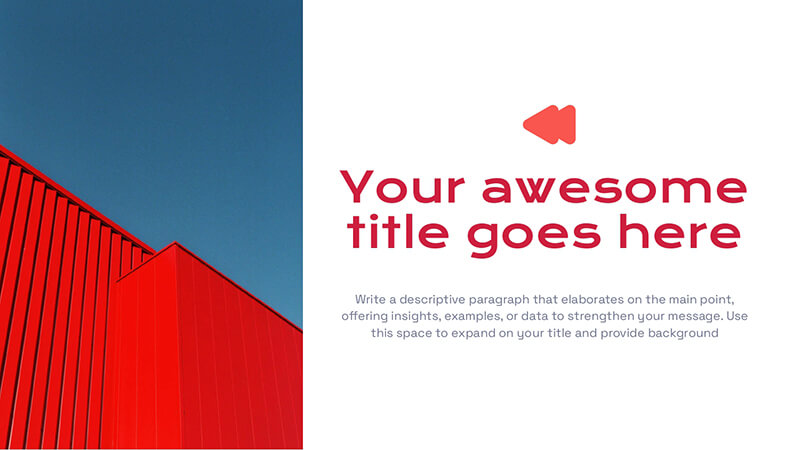


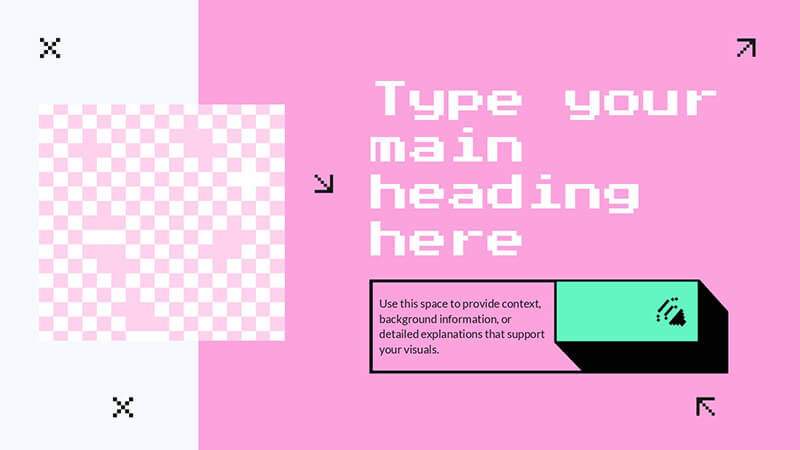
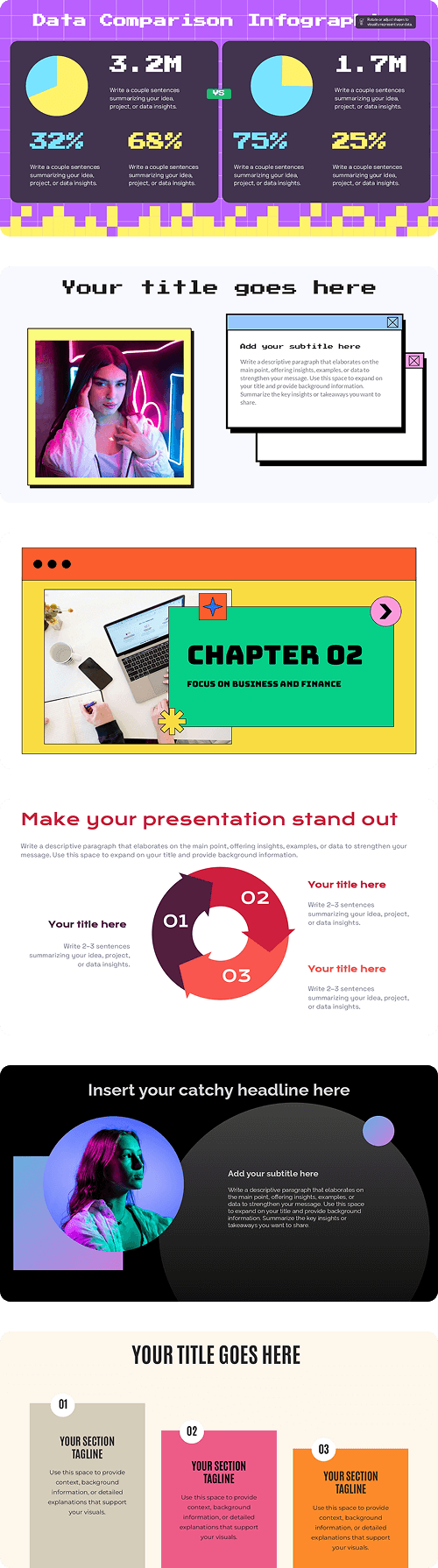
Perfect for building
GlindraAI adapts to whatever you’re working on in minutes. Just describe what you need, and it turns your ideas into structured, ready-to-edit slides.
AI PRESENTATION GENERATOR
Create Presentations with AI in Just a Few Steps
Instead of wrestling with formatting and layouts, use the Glindra AI presentation generator for Google Slides to turn ideas into complete slide decks in seconds. Simply enter a prompt and let AI generate structured slides, pitch decks, reports, and presentations ready to edit and present.
Glindra takes you from your first idea to a finished presentation without the usual friction. Generate slides with AI, refine content, remix layouts, and build professional presentations directly inside Google Slides.
total control
Edit every slide from one place
Add new slides, remix layouts, or rewrite text without leaving your deck. The GlindraAI sidebar keeps your smartest tools right where you need them, so you can refine content and design in a few clicks.
Stay in your flow. Stay in Google Slides™. The sidebar gives you speed, control, and creative power without breaking focus.
how it works
Tell GlindraAI what you want to present
Share the topic, goal, and who you’re presenting to. Write a quick prompt, choose the type of presentation, and details you need.
GlindraAI turns that single prompt into a complete outline, giving you a strong starting point to edit, expand, and design.
Shape the structure before you design
GlindraAI gives you a complete outline based on your prompt, every slide mapped from intro to closing.
Here, you can reorder slides, rename sections, edit key points, or add new ideas so the flow matches exactly how you want to tell your story before you move on to design.
Pick a template that fits your story
Once your outline is ready, choose from a range of presentation templates designed for pitches, reports, lessons, and more.
GlindraAI automatically adapts your slides to the style you select: fonts, layout, and colors included; so your content looks polished without any manual formatting.
Bring your presentation to life
Once your prompt, outline, and design are ready, GlindraAI brings everything together into a complete presentation.
The result is a complete, customizable deck that gives you a strong starting point, while still letting you fine-tune the details before presenting.






from file to presentation
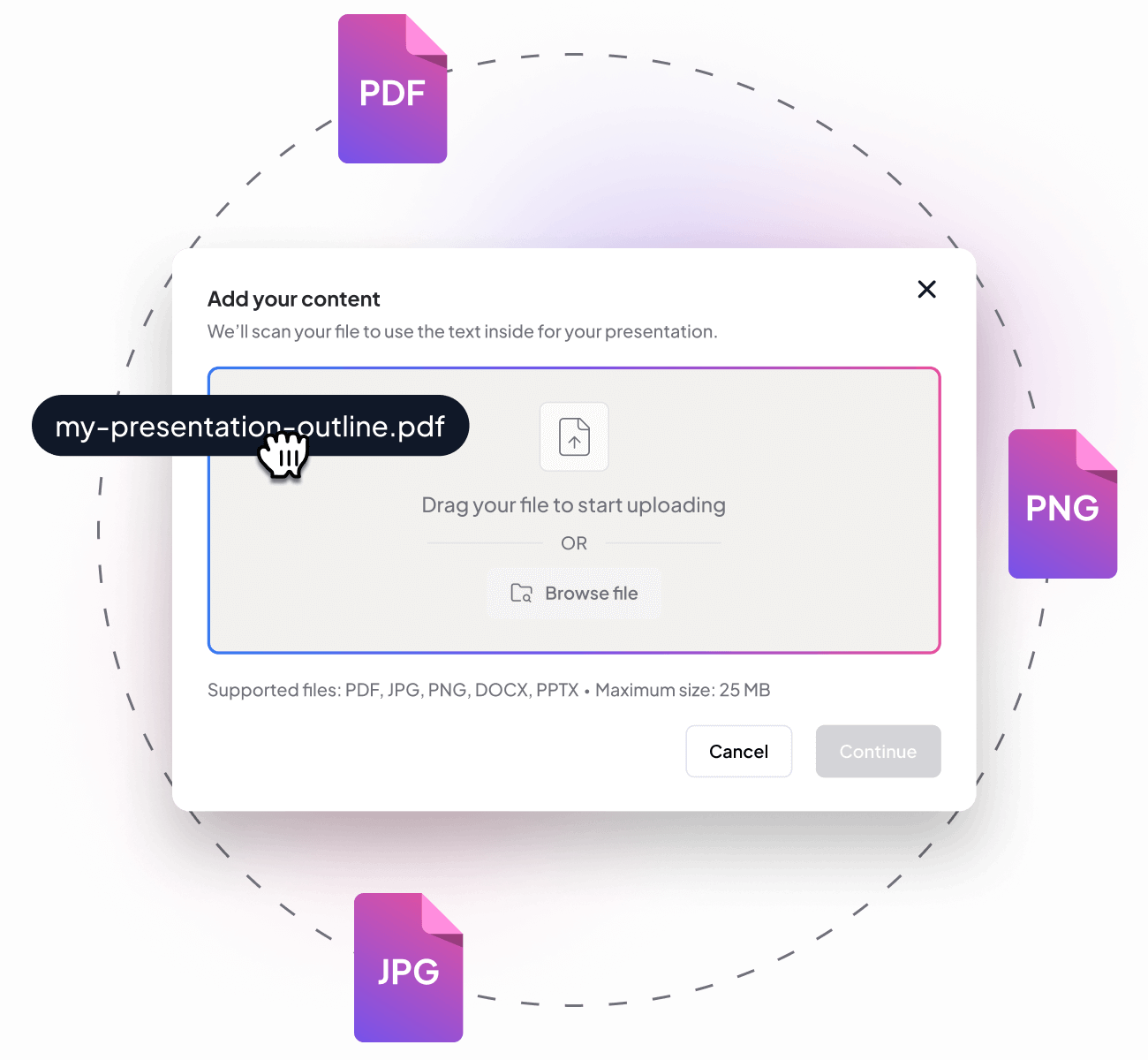
Import your content in seconds
Got a report, lesson plan, brief, or content doc? With GlindraAI’s Upload File feature, you can turn it into a full slide deck in seconds.
No copy-pasting. No slide-by-slide writing. Just drop the file and let AI do the heavy lifting, without touching a keyboard.
multilingual support
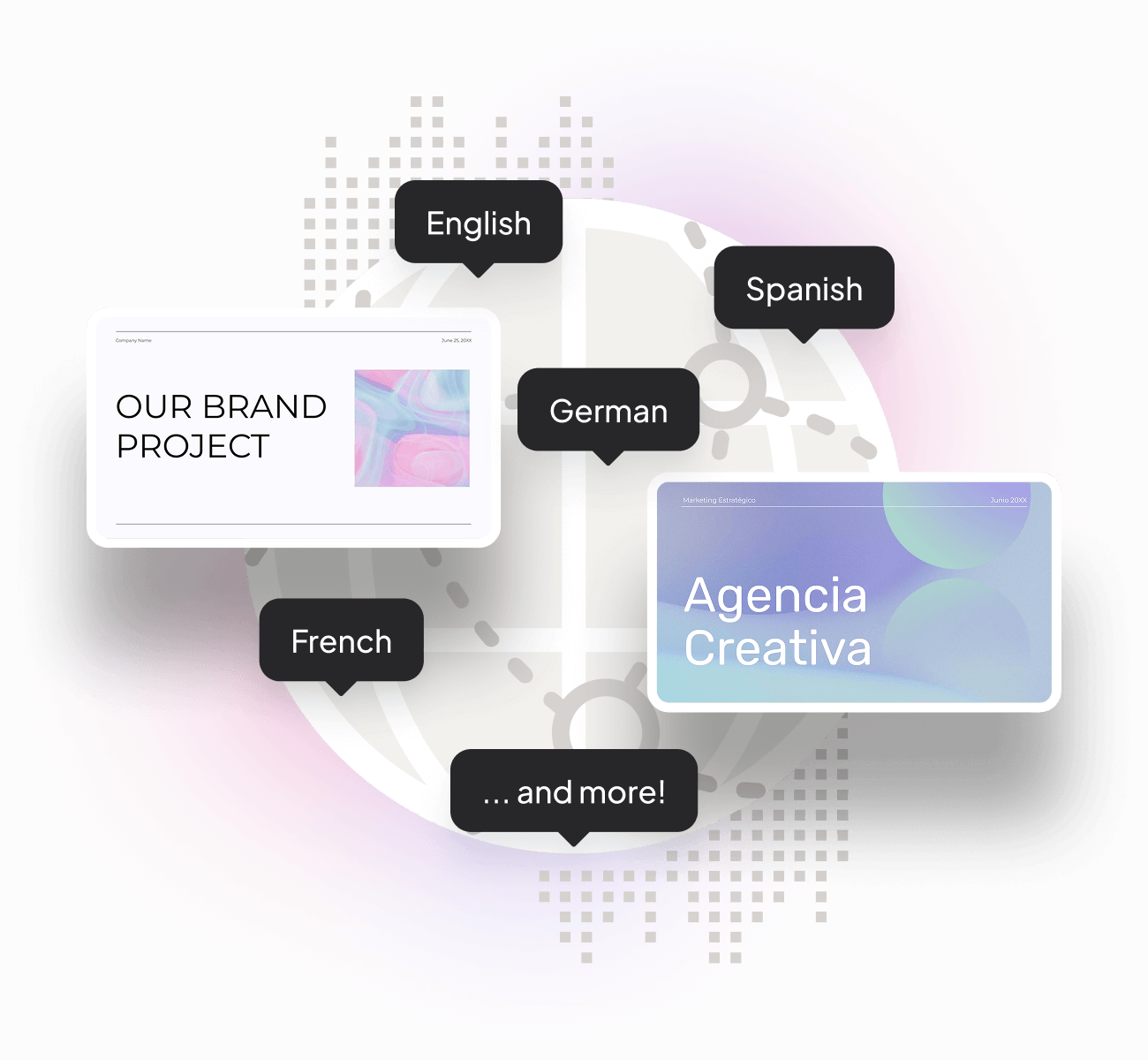
Generate slides in the language you need
Working with a global team? Teaching in another region? GlindraAI lets you generate full presentations in the language your audience understands best.
Whether it’s Spanish, French, German, or more. Your message stays clear, professional, and on-brand. Speak their language without writing a word.
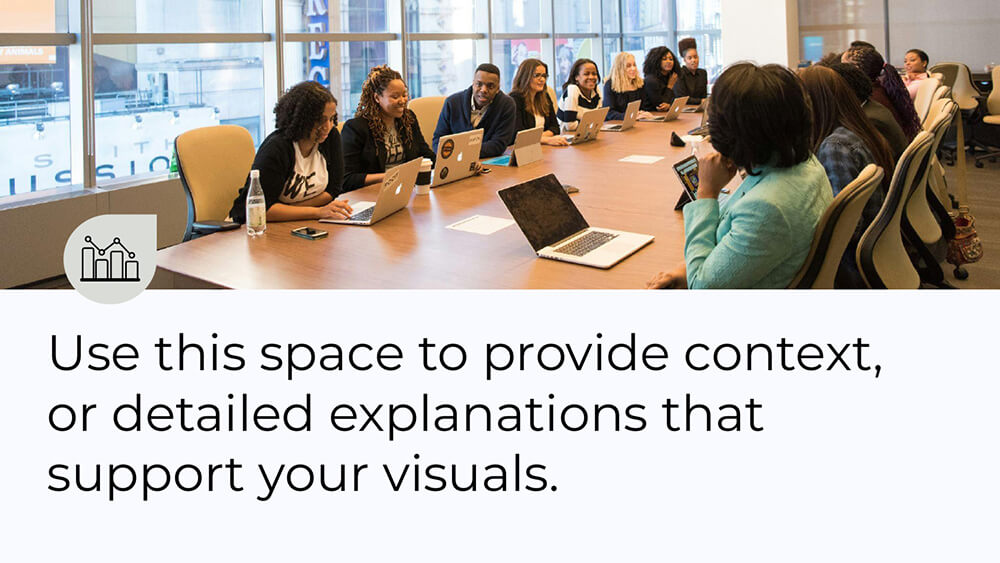
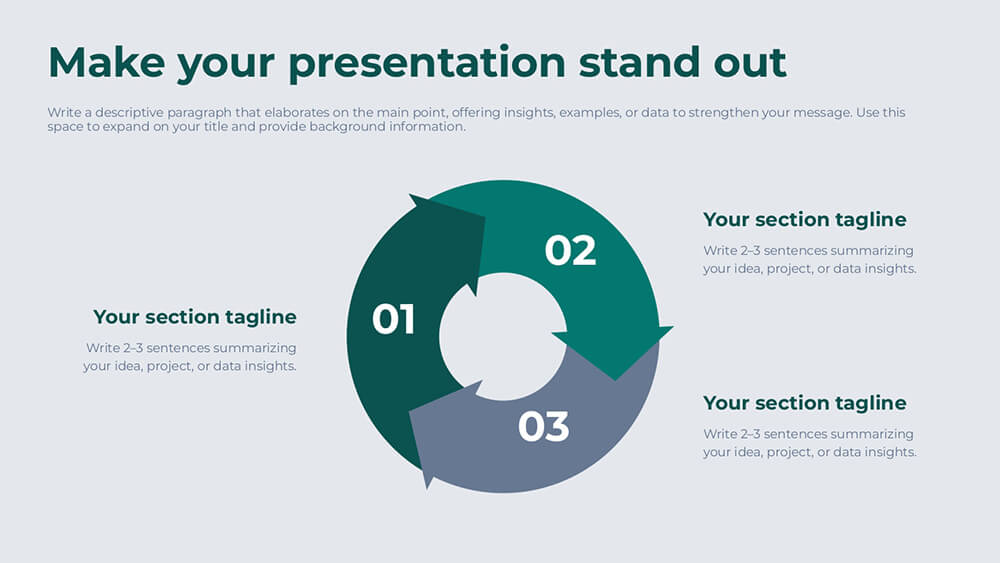

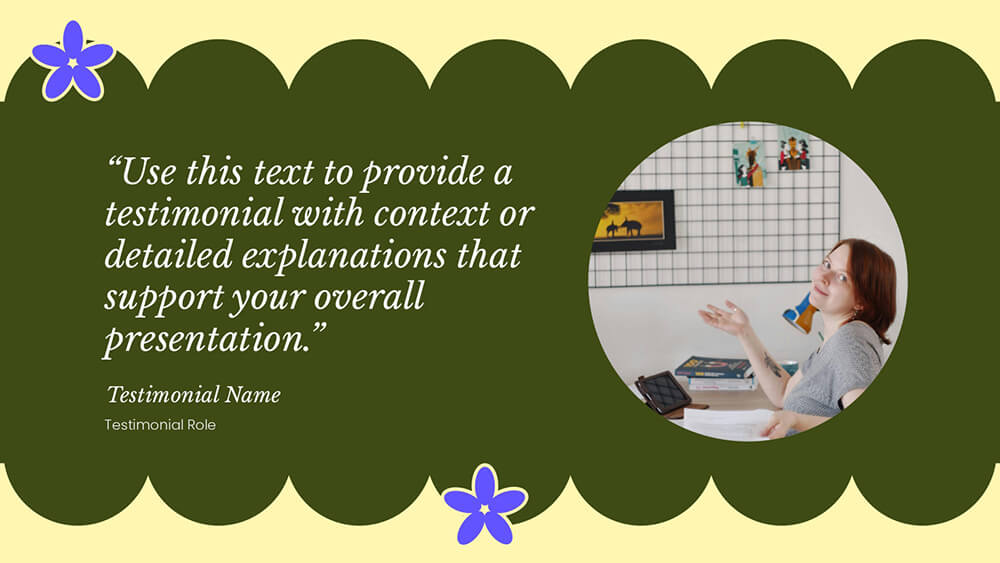




Themes
Smart presentations for every purpose
Students & Educators
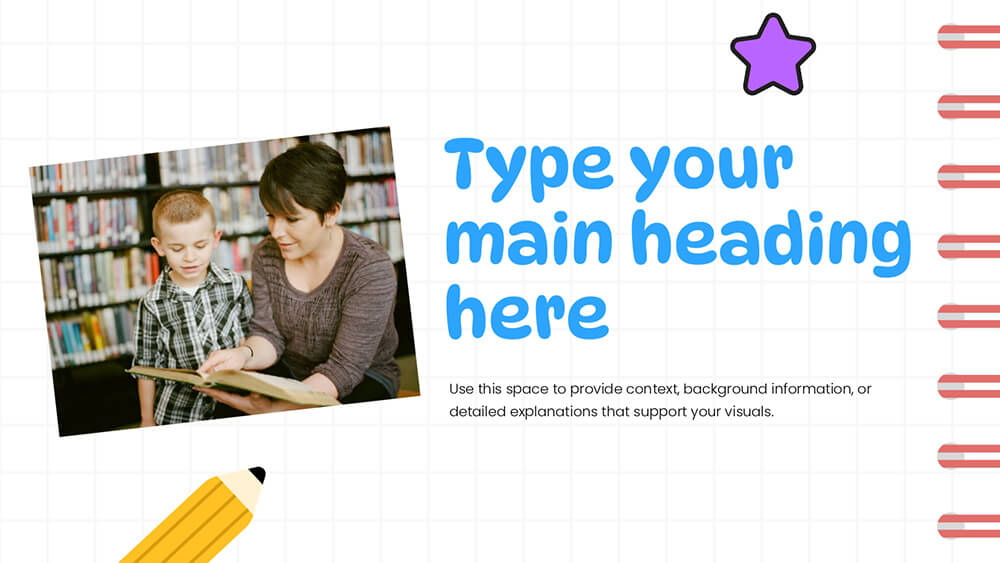
Whether you're building a class project, defending a thesis, or preparing a lecture, GlindraAI helps you focus on your ideas while it takes care of the structure and design. With AI-generated outlines, editable templates, and smart content suggestions, students and teachers can spend less time formatting slides and more time making an impact.

Teams & Professionals
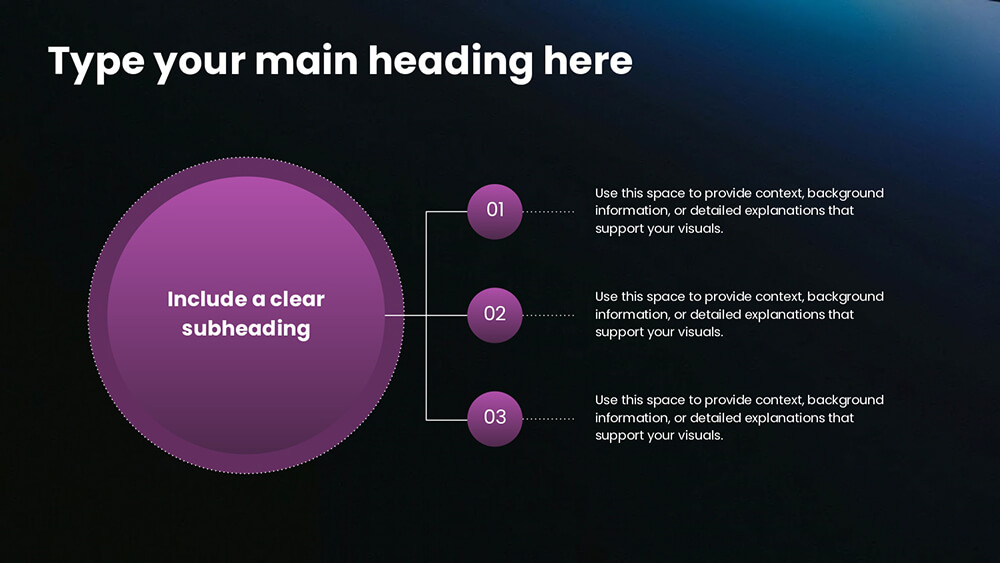
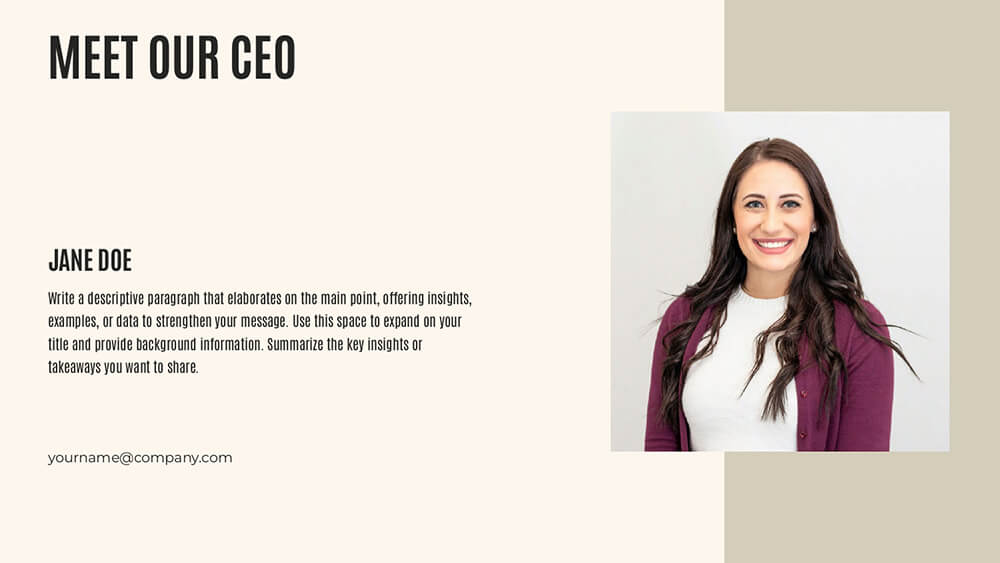
From weekly updates to strategic proposals, GlindraAI gives professionals a faster way to turn ideas into polished decks. Sales teams, consultants, marketers, and project leads can craft branded presentations without needing design tools. Seamlessly integrate with Google Slides or PowerPoint (coming soon) and deliver clear, effective messages to clients and teams.

Creators & Entrepreneurs
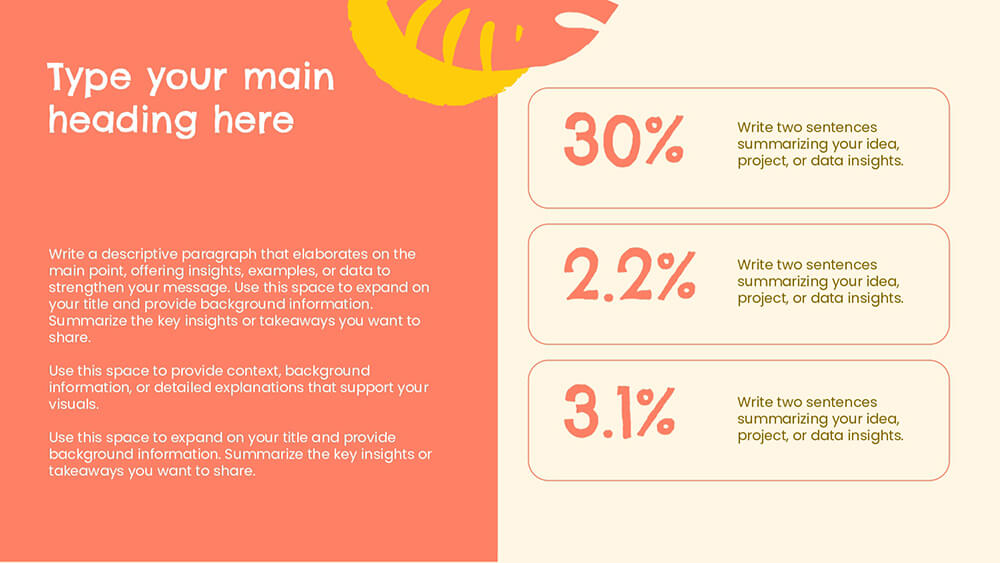
Whether you're pitching your startup, launching a service, or building your brand, GlindraAI helps you create story-driven decks that stand out. Design pitch decks, service overviews, or launch announcements with stunning visuals and AI-optimized content. No need to hire a designer or start from scratch.

Pick a plan, start creating
Start creating presentations for free. Upgrade to enable unlimited generations and additional features.


COMING SOON
Frequently asked questions
Have other questions? Get in touch with our team via support@glindra.ai

Absolutely. All presentations you generate using our platform are yours to use freely in commercial projects. Whether it’s a pitch deck for a client, internal business proposal, or external-facing report.
Yes! You can cancel your subscription at any time from your account settings. Once you cancel, your plan will remain active until the end of your current billing period, and you won’t be charged again. No hidden fees, no hassle.
Yes. Every time a payment is processed, an invoice is automatically generated and stored in your billing section. You can download it any time for your records, expense reporting, or tax purposes.
Definitely! We provide quick-start tutorials, video walkthroughs, and helpful documentation to guide you through each step—whether you're crafting your first pitch deck or exploring advanced features like slide rewriting and layout remixing.
You begin by entering a custom prompt and selecting your presentation type, tone of voice, and target audience. Our AI then analyzes this input to generate a personalized structure and content flow that fits your intent. It’s like briefing a creative team, only faster.
Yes, you’re in control. Once the presentation is generated, you can freely edit any slide, rewrite specific text boxes using AI, add new slides, or tweak the layout until everything fits your vision.
Absolutely! With our “Remix Slides” feature, you can swap out individual slide layouts, combine styles across templates, and create a visually dynamic presentation, all without losing your original content.
Yes. The finished presentation is ready to edit directly in Google Slides™ with a single click, no extra tools or conversions needed. PowerPoint version will be available soon!
Yes, we offer a free plan that lets you create up to 5 presentations. It’s perfect for trying out the platform. When you're ready to unlock unlimited presentations and premium features, you can upgrade anytime.
Not at all. GlindraAI is built to handle both content and design, so you can focus on what matters: your message. Whether you're a founder, marketer, or educator, GlindraAI takes care of the formatting and layout for you.
You can create all kinds of presentations: pitch decks, business proposals, sales reports, internal strategies, educational slides, and more. GlindraAI is flexible enough to adapt to nearly any use case.
Team collaboration features are coming soon! For now, you can export and share your presentations easily or duplicate decks to collaborate manually.

Ready to create your next presentation in minutes?
Say goodbye to blank slides and design overwhelm. Whether it’s a pitch, report, or workshop, just let GlindraAI do the heavy lifting. Try it free and see what you can build.